
For nonprofits and charities
Your supporters give because they trust you. Keep their trust online.
We act as the IT department for nonprofits and charities. We look after your email, computers, phones, backups and website, so your people can spend their time on the mission instead of computers.
The week before the event
Flyers, donation page, volunteer list, shared files.
- A donation page that works on a phone and connects to the payment account you already use.
- Computers that are kept ready, for the volunteers who only have an hour.
- Shared files the right people can open, and only them, as you set it up.
- One number to call, answered by people who already know how your group is set up.
When everything stops working and you cannot tell if it is the computer, the software, the internet or the router, wouldn't it be nice to have just one number to call, so you do not have to figure it out? (316) 347-7630
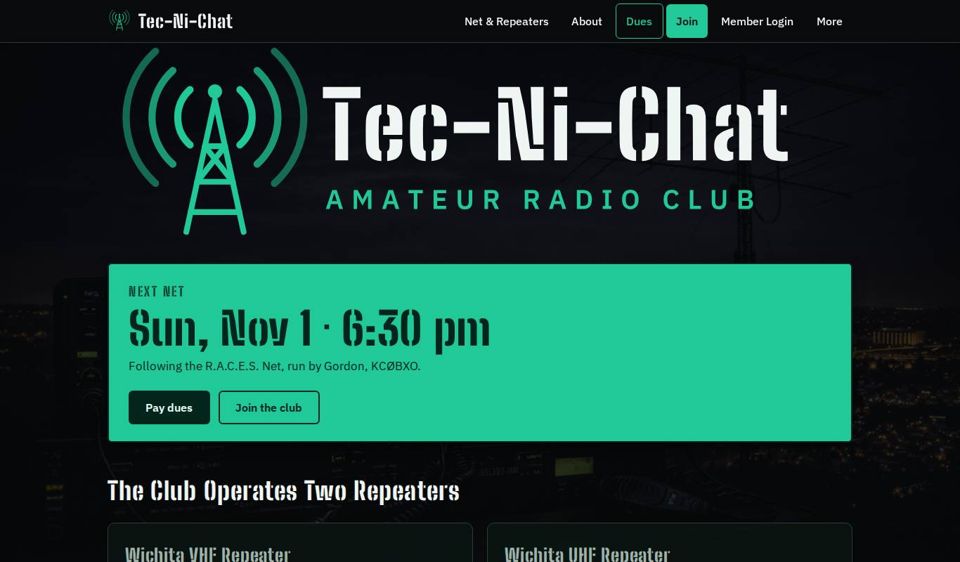
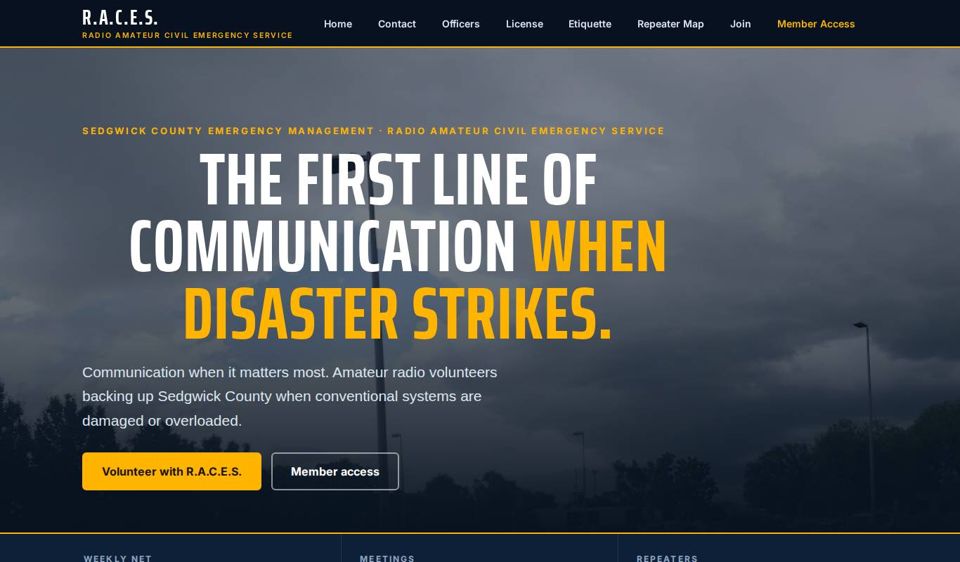
Your website
Your website is where supporters decide.
Before someone gives, they look you up. They want to see what you do, who it helps and that it is run well. A modern site with a clear donate button and recent news builds trust. A dated one makes people wonder.
We build it, host it and keep it current, and look after the search engine details so people looking for your cause or your events can find you.
Donors give to your name
A message that looks like you can ask for money.
Donors, sponsors and volunteers trust messages that look like they came from you. That makes your name worth faking.
If your email is not set up right, a scammer can send a message that looks like it came from you. It tells your supporters to send a gift to a new place. They cannot tell it was not you, and your reputation takes the hit.
Email protection is part of what we do for nonprofits: we set up your email so it is much harder for anyone to send messages pretending to be you, and we keep checking.
What a free look covers
Would a scammer pick your organization?
All we need is your web address, the part after the @ in your email, like yourfirm.com. No passwords, no logins, nothing to install. We look at your website and email the way a scammer would, from the outside, to see if your organization looks like an easy target:
- Can someone send an email that looks like it came from your organization?
- What can anyone learn about your organization just by looking at your website and email settings?
- Does your website look up to date, with the right phone number and address?
You get a short report in plain words. You can give it to whoever looks after your computers, or to us.
Volunteers come and go
Access that fits the person, then closes.
Each volunteer or board member can get an email address and the files their role needs. If we host your email, 20 email accounts come with your website. If you use Microsoft 365, Google Workspace or a similar platform, you pay for those licenses, and we manage it for you. When their time with you ends, their access closes as soon as you tell us. Phones can ring where your people are, so a call to the office can reach whoever is on duty.
Records and your website
Donor lists and files you can get back.
We back up your donor records and shared files to your own online storage, such as the storage that comes with Microsoft 365 or Google Workspace, away from your office, so you can get them back if anything happens to your computers or your office. We do not keep your files ourselves; they stay in your account. We also check the backup on a regular schedule, so a problem is more likely caught before you need it. We can also run your website and keep it up to date, with your mission, events and contact details shown correctly.
Volunteers, members and donors
One roster instead of a pile of free forms.
Many nonprofits run on free online forms and spreadsheets: one for volunteers, one for each event, another for donors. They work at first, then get bulky, answers land in different places, and nobody is sure which list is current.
We build a roster on your website, made just for your organization, with a private admin page only your staff can open. Add or switch off a volunteer or member with a click. Search and sort the list. Make a mailing list from any part of it, such as everyone who helped at the last event. On your cell phone, tap a number to call it or tap to send a text message.
If you already use a donor or member management system, we can usually connect to it instead of replacing it. We back it up away from any one person's computer, and we check the backup on a schedule.
We support a range of technologies used by small businesses.
See what a scammer sees.
To request the review, send us your web address. Do not send credentials or other sensitive information. Requesting the review does not require you to purchase services, and the report is yours either way.
Trube Technologies is an IT company based just south of Wichita, Kansas, offering nationwide remote service and local onsite service in the Wichita area (Sedgwick County, KS). See IT for companies · Websites · trubetech.com
These services do not by themselves establish or certify compliance with HIPAA, PCI DSS, CJIS, IRS requirements or any other legal, regulatory or contractual requirement. This page describes services we offer; not every service is included in every plan. Do not send passwords, authentication codes, payment-card information, medical records or other highly sensitive information through the website chat.
trubetech.com/industry/nonprofit/